


Open any short-form feed with the sound off and you can tell within a second which videos were built for it. Some have words baked into the footage, while others carry text that behaves like part of the app itself.
The Problem With Text Baked Into Pixels
A burned-in subtitle is part of the video file. Once the edit is exported, those words are no different from the background, the speaker’s face or the lighting. They cannot be corrected without re-exporting, they cannot be switched off, and they cannot be restyled by anyone but the person who made them. For years that permanence felt like control, because what the editor designed was exactly what the viewer saw.
That control breaks down at the interface. Every short-form app places its own elements over the video: the caption block, the account name, the action buttons stacked along one edge, the progress bar at the bottom. Each platform puts them in slightly different places, so a subtitle track positioned carefully for one app can end up half hidden in another. Editors compensate by guessing at safe margins, and the guess is often wrong when the same file travels to a second or third platform. A native caption is placed by the app, which knows where its own buttons sit.
Then there is the viewer. Some people need larger text. Others find constant subtitles distracting when they are watching with sound. Native captions let the viewer decide, usually through a simple toggle or a system-level setting, while burned-in text makes that decision for everyone. Screen readers add another gap, since they can read a caption file but cannot read letters drawn into a frame.
The discoverability argument needs more care. Platforms do not publish exactly how caption text feeds into recommendations, so any claim of a guaranteed ranking boost deserves skepticism. What holds up is simpler: a clean text layer attached to the video is easier for a system to read than words extracted from compressed footage. A creator who corrects that text is handing the platform a more accurate description of the video, and that cannot hurt.
Why Native Captions Win on Workflow and Reach
The strongest case for native captions is what happens after publishing. Imagine a team notices a misspelled product name twenty minutes after a video goes live. With burned-in subtitles, the options are to live with the error or to delete the post, re-export and re-upload, which resets the comments and the early momentum with them. With native captions, someone opens the transcript, fixes the word and moves on. For anyone managing several accounts at once, that difference adds up quickly.
Language is the second advantage. On platforms that support multiple caption tracks, a single video can carry several languages, and the viewer picks the one they want. A burned-in version locks the video to one language, so reaching a second audience means a second export, a second upload and a second post competing with the first. That is workable for one clip and miserable for a content calendar.
Reuse is the third. A clean master video with no text on it can go to every platform, with each app’s captions layered on top. The same footage no longer needs a TikTok cut, a Reels cut and a Shorts cut that differ only in where the subtitles sit.
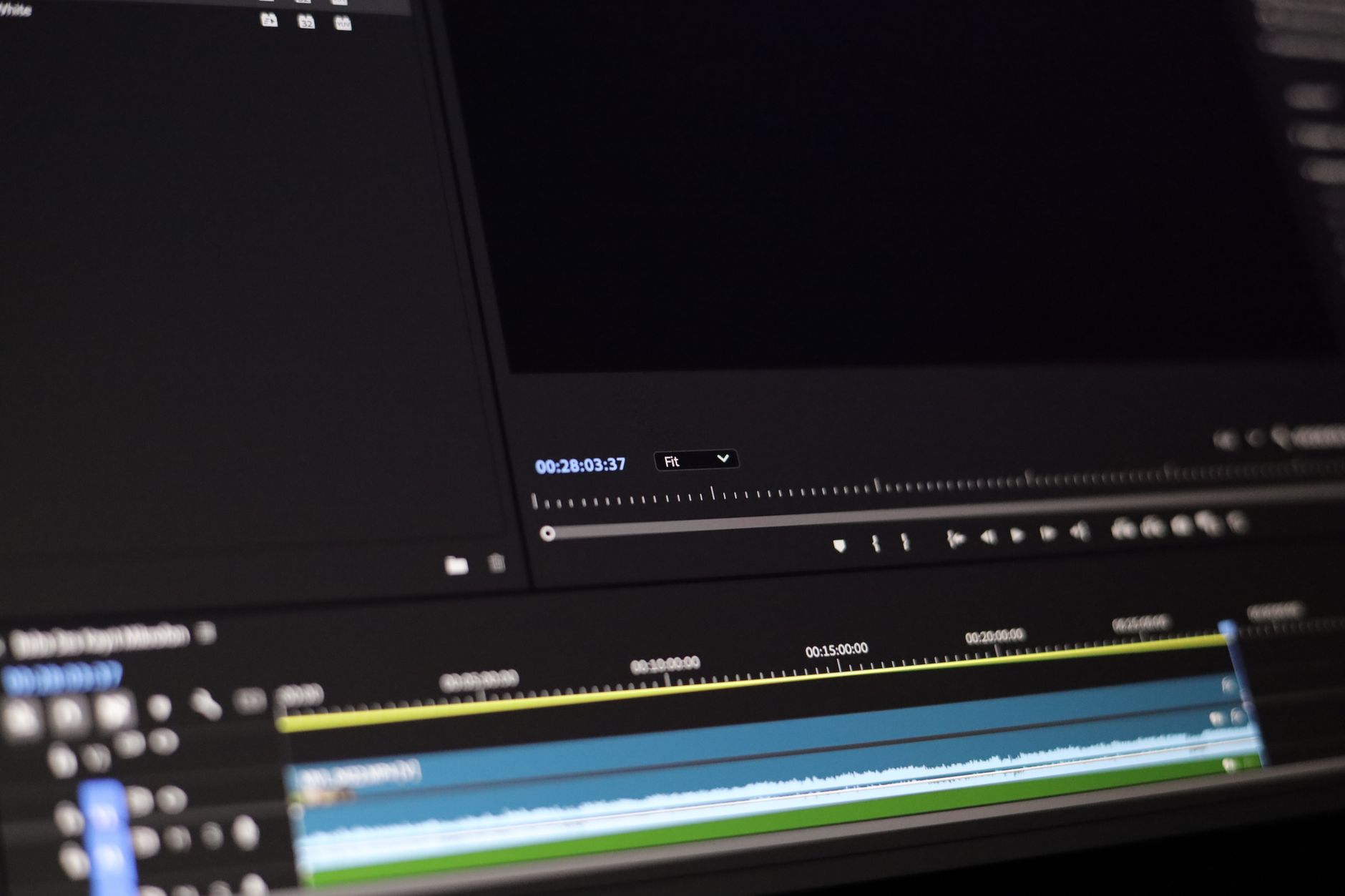
Speed matters too, and it is easy to underrate. Auto-generated captions appear within moments of upload or during editing, and reviewing a thirty-second transcript for errors takes far less time than building a subtitle timeline by hand. The catch is that automatic transcription stumbles on brand names, slang, accents and anything niche. The workflow only works when someone actually reads the draft, which makes the review pass the real cost of doing this well.
Finally, there is how the text reads. Native captions use a typeface and layout that viewers have seen thousands of times, so the eye processes them almost without effort. Heavily styled burned-in text, with its outlines, color changes and drop shadows, can compete with the footage for attention instead of supporting it. When the goal is for someone to follow the story with the sound off, plain and familiar usually beats clever.
Where Burned-In Text Still Earns Its Place
None of this makes burned-in text obsolete. A bold line in the first second of a video, a single word that snaps onto the screen on the beat, a headline that frames the whole clip: these are design elements, not subtitles, and the platform’s caption tool is not built to produce them. Burned-in text also travels with the file. If a clip gets downloaded, screen-recorded or shared to a place that does not support caption tracks, the words stay on screen.

The workable approach is a split. Use native captions for the spoken words, so the transcript stays editable, translatable and repositionable, and reserve burned-in text for the hook and a few emphasized phrases that need a designed look. Then read the auto-generated transcript before publishing, starting with the brand name, since that is the one word a transcription tool has the least reason to know.