

The Recording Studio That Fits in a Browser Tab
Squadcast built a loyal following among podcast creators by solving a real problem: recording high-quality audio remotely without the chaos of Zoom compression. For years, it was the default choice for serious podcasters who needed reliable, lossless local recording and clean separation of audio tracks. But Riverside.fm has been quietly pulling those same creators away, and the specific feature doing the heavy lifting is Speaker View – a deceptively simple addition that changes how recordings actually feel to produce.
Speaker View is not just a visual layout toggle. It is a structural rethink of how remote recording sessions are managed, monitored, and edited after the fact. Creators who have switched describe the same experience: they expected a marginal upgrade and got something that changed their entire post-production workflow. That word-of-mouth is spreading faster than any paid campaign Riverside could run.
What Speaker View Actually Does
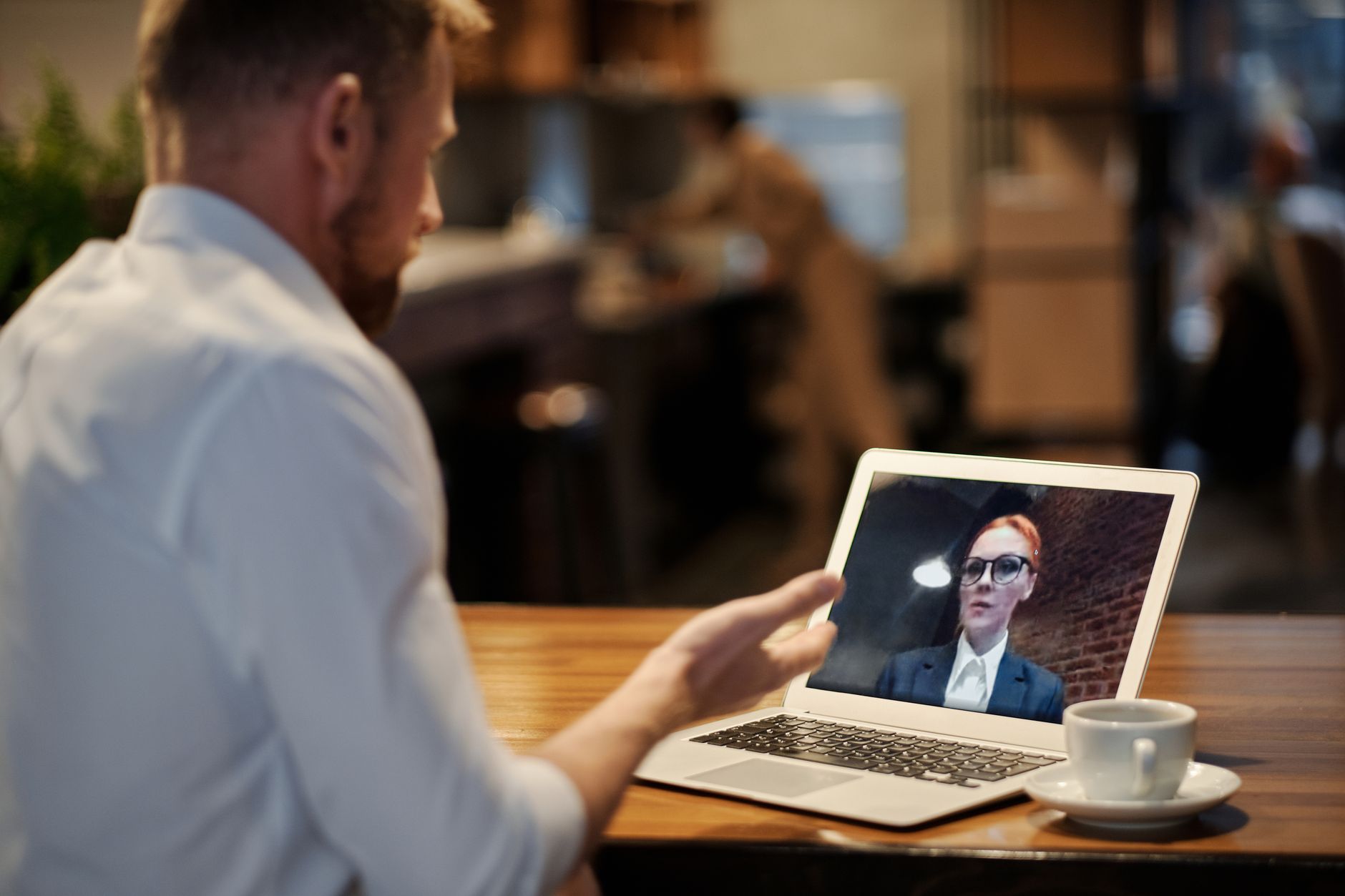
At its core, Speaker View gives producers a real-time, isolated visual feed of each participant during recording, synced directly to their individual audio and video tracks. This sounds straightforward until you realize what it eliminates. In Squadcast, producers monitoring a session had limited visibility into what each speaker was actually doing on screen while recording was live. Speaker View makes that visibility standard, not an afterthought.
The practical result is that producers can catch problems in the moment rather than discovering them in post. A guest who has drifted away from their microphone, a lighting shift that will ruin a video clip, a second speaker who accidentally unmuted while the first was talking – Speaker View surfaces all of this in real time. For solo creator-hosts running their own sessions without a dedicated producer, that kind of live monitoring was previously only available through workarounds that created more problems than they solved.
Why Squadcast Users Are Paying Attention
Squadcast has long competed on audio fidelity and simplicity. Its local recording model – where each participant’s audio is captured directly to their own device before uploading – reduced the risk of internet instability ruining a session. Riverside uses the same approach, so the baseline technical quality is comparable. The gap between the two platforms is not really about recording quality anymore. It is about what happens around the recording.
Riverside’s interface was designed with video podcasting in mind from an earlier stage than Squadcast, and that investment shows. Speaker View slots into a broader ecosystem of tools including a built-in editor, magic clips for repurposing content, and a teleprompter feature that Squadcast does not offer. Creators who built their workflows around audio-only production are finding that video expectations from audiences have changed, and Squadcast’s product roadmap has not moved at the same speed.
The pricing gap is also narrowing in ways that matter to independent creators. Riverside’s free tier is generous enough to test the platform thoroughly before committing. Squadcast’s pricing structure has historically pushed users toward paid tiers quickly, particularly for teams or shows with multiple regular guests. A creator running a weekly interview show with rotating guests will hit Squadcast’s limits faster than they expect, while Riverside’s tier structure gives more room before costs climb.
There is also a discoverability factor. Riverside has invested in creator education – tutorials, community content, and documentation – at a scale that makes onboarding noticeably smoother. New users who might have defaulted to Squadcast because someone in a podcasting Facebook group recommended it three years ago are now encountering Riverside recommendations first, and finding fewer reasons to look elsewhere.
The Editor That Ships With the Recorder
One of the most discussed advantages among creators making the switch is that Riverside’s editor lives in the same platform as the recorder. After a session ends, producers can trim, cut, and export directly inside Riverside without routing files through a separate application. For a solo creator with limited time, that compression of the production pipeline is not a small convenience. It is hours saved per episode.
Squadcast does not offer this. Its strength is the recording itself, and it has partnered with other tools to fill the editing gap. That works well for creators with dedicated editors or established multi-app workflows, but it creates friction for anyone building a show from scratch who wants fewer subscriptions and fewer browser tabs open at once.
Who Is Not Making the Switch
Squadcast still holds ground with creators who have invested deeply in external editing workflows centered on tools like Descript or Adobe Audition, and who have no interest in changing those systems. For this group, the recorder is simply an input device, and Squadcast’s clean output and reliable upload process are enough. Speaker View and in-browser editing offer no advantage to someone who will immediately export and leave the platform.
Audio-only podcasters who have never considered video also find less reason to move. Speaker View’s benefits are most pronounced when video tracks are part of the session. A narrative podcast recorded by a single host in a treated room has no particular use for live visual monitoring of remote speakers, and Squadcast’s audio performance in that context remains competitive.

The creator segment Riverside is winning most clearly is interview-format shows with video distribution – podcasts that publish to YouTube, clip content for short-form platforms, and manage multiple guests per month. That format is growing, and Squadcast’s product has not addressed it as directly. Riverside did not beat Squadcast by being better at everything. It beat it by being significantly better at the specific thing more creators are now trying to do – and Speaker View is the most visible proof of that focus.