



LinkedIn’s algorithm has been making a quiet but consequential change to how it ranks and distributes content – and if you’re still posting single static images expecting solid reach, the platform has moved on without telling you.
What the Feed Is Actually Rewarding Right Now
Carousel posts – those multi-slide document uploads formatted as PDFs – have been outperforming single-image posts on LinkedIn for a while now. But the gap has widened noticeably. The mechanism behind this comes down to how LinkedIn measures “dwell time,” the amount of time a user spends engaging with a piece of content before scrolling past. A carousel naturally extends that window because users swipe through multiple slides, each one asking for another small commitment of attention.
Single-image posts, by contrast, are processed in under two seconds. The eye takes it in, the brain decides whether to engage, and the thumb moves. LinkedIn’s algorithm reads that behavior as low engagement signal, regardless of whether the image itself is well-designed or visually striking. The format is working against the post before the content even gets a fair read.
What makes this particularly frustrating for marketers is that LinkedIn has not announced any formal policy favoring carousels. There’s no public documentation, no blog post from their engineering team, no algorithm transparency report spelling it out. The pattern has emerged through observation – content creators and brand managers noticing that identical messages packaged as carousels consistently pull more impressions than their static counterparts. The disparity isn’t marginal. It’s significant enough to change content calendars.
LinkedIn’s broader incentive here is not hard to understand. More swipes mean more time on-platform, which means more ad inventory, more data signals, and a healthier engagement metric to show advertisers. The algorithm is doing exactly what it’s designed to do – reward content that keeps people on the feed longer. Single-image posts simply don’t do that job as efficiently.
How the Carousel Format Actually Works in Your Favor
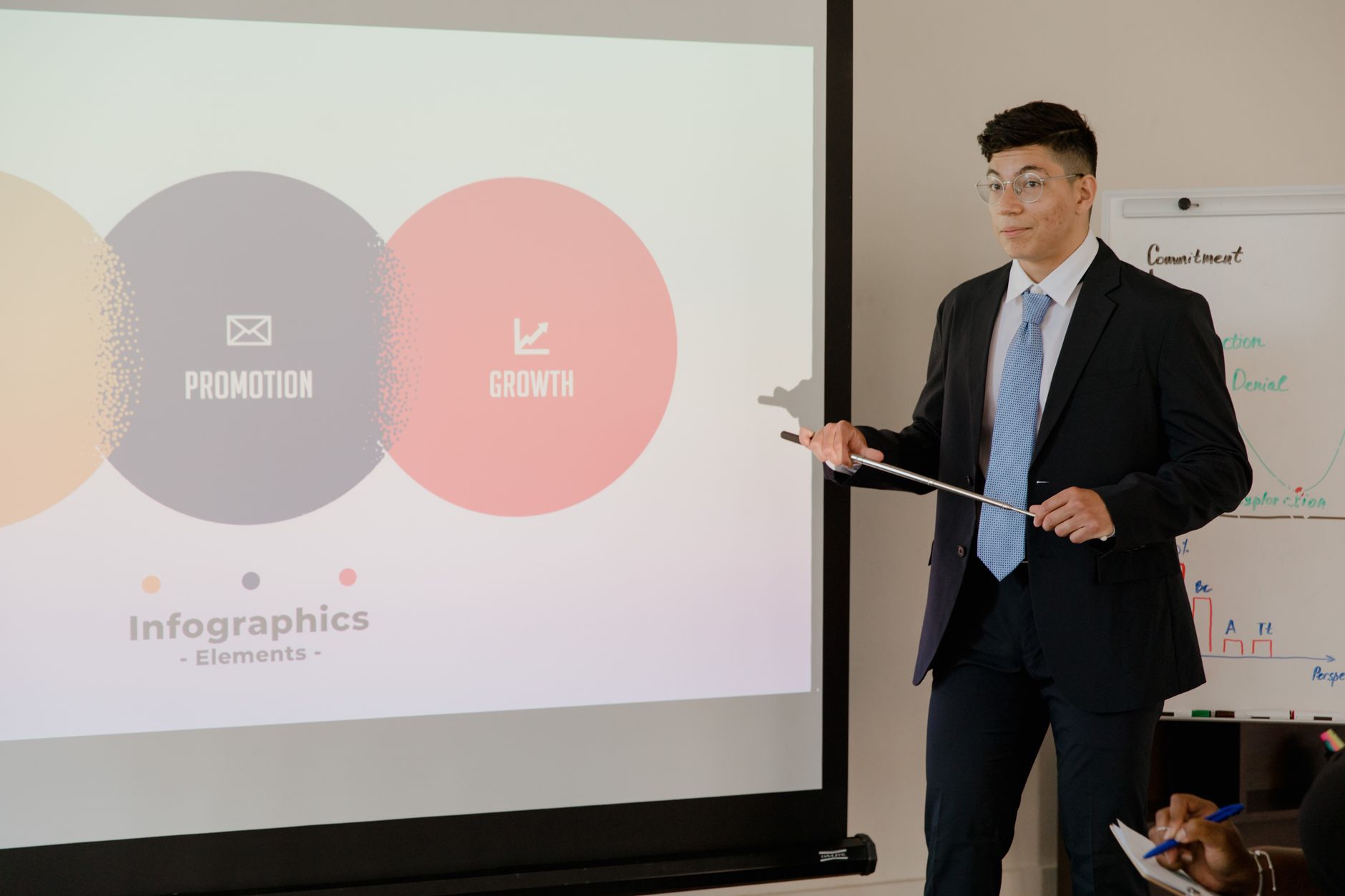
The practical structure of a carousel post rewards what LinkedIn’s professional audience already responds to: structured information, step-by-step logic, and visual hierarchy. A carousel that opens with a problem statement on slide one and works through to a resolution by slide eight is essentially a micro-presentation. That format mirrors how LinkedIn’s core audience – professionals, managers, founders – already think. They’re trained to read decks. They understand the format intuitively.
This is also why generic carousels fail. A brand that repurposes a blog post into ten text-heavy slides without any visual design work isn’t going to see the algorithmic lift. The format requires genuine thought about what each slide is doing. Slide one needs to create enough curiosity or tension that the viewer swipes. Slide two needs to deliver enough value that they keep going. Every slide is a micro-retention challenge, and the algorithm tracks drop-off just like a video platform would.
There’s a format detail that matters more than most people realize: carousel posts are uploaded as PDFs, not as native LinkedIn multi-image posts. That distinction is important because PDFs open a document viewer experience rather than just displaying images in a gallery. LinkedIn treats these as a different content class entirely, and the dwell-time measurement works differently. A native gallery of photos gets swiped through quickly. A PDF carousel gets read. The algorithm sees that difference.
Text formatting within the carousel also plays a role. Slides with large, readable type, strong contrast, and a single clear message per slide hold attention longer than cluttered slides trying to communicate three ideas at once. The design principle here is borrowed from presentation culture – one idea per slide – but it maps directly onto algorithmic performance. Simpler slides get read more completely, generating more genuine engagement signals.
Brand accounts that have shifted their content mix toward carousels are also seeing a secondary benefit: saves. LinkedIn users who find a carousel valuable are more likely to save it for later reference than they are to save a single static image. Saves are a high-value engagement signal in LinkedIn’s ranking system, carrying more weight than a like or even a comment in some contexts. A well-constructed carousel essentially earns a double algorithmic reward – extended dwell time plus save behavior.
What This Means for Your Content Strategy
Single-image posts aren’t dead on LinkedIn, but treating them as a primary content format is an increasingly expensive habit. They still work for certain use cases – quick announcements, event promotions, personal milestone posts where the image itself carries emotional weight. But for thought leadership content, educational material, or anything where the goal is reach and engagement, the format is fighting the algorithm rather than working with it. Redirecting even half of those single-image slots toward carousel content would likely change the performance curve within a few weeks.
The harder question is whether the carousel trend holds or whether LinkedIn eventually adjusts its weighting again. The platform has a history of favoring certain formats – text-only posts had a strong run, video got pushed hard for a period, polls had their moment – and then quietly recalibrating as user behavior shifts or the format gets gamed. Right now, carousels are working. The risk is building an entire content strategy around a format preference that could shift again without warning, which is why the smartest play is to understand why carousels work – dwell time, structured engagement, saves – rather than just copying the format mechanically.
Frequently Asked Questions
Why are carousel posts performing better than single images on LinkedIn?
Carousel posts extend user dwell time because viewers swipe through multiple slides. LinkedIn’s algorithm reads that extended interaction as a strong engagement signal, boosting distribution compared to single images that are processed in seconds.
How do I create a carousel post on LinkedIn?
Upload a PDF file as a post on LinkedIn. Each page of the PDF becomes a swipeable slide. LinkedIn treats this as a document post, which triggers a different and more favorable content experience than a standard image upload.
Do single-image posts still have any value on LinkedIn?
Yes, for announcements, event promotions, and emotionally resonant personal content. But for reach-focused thought leadership or educational content, carousels consistently outperform static images in the current algorithm.