


What You Need to Know
LinkedIn Audio Events have quietly become one of the platform’s most underutilized content goldmines. While most marketers treat these live conversations as one-time events, savvy content creators are turning single audio sessions into weeks of cross-platform marketing material. The key lies in understanding how audio content translates across different platforms and audiences.
Audio events offer unique advantages over traditional content: they capture authentic conversations, expert insights, and audience questions in real-time. This raw material can be repurposed into blog posts, social media snippets, email newsletters, and visual content that performs across multiple channels.
1. Set Up Your Content Capture System Before Going Live
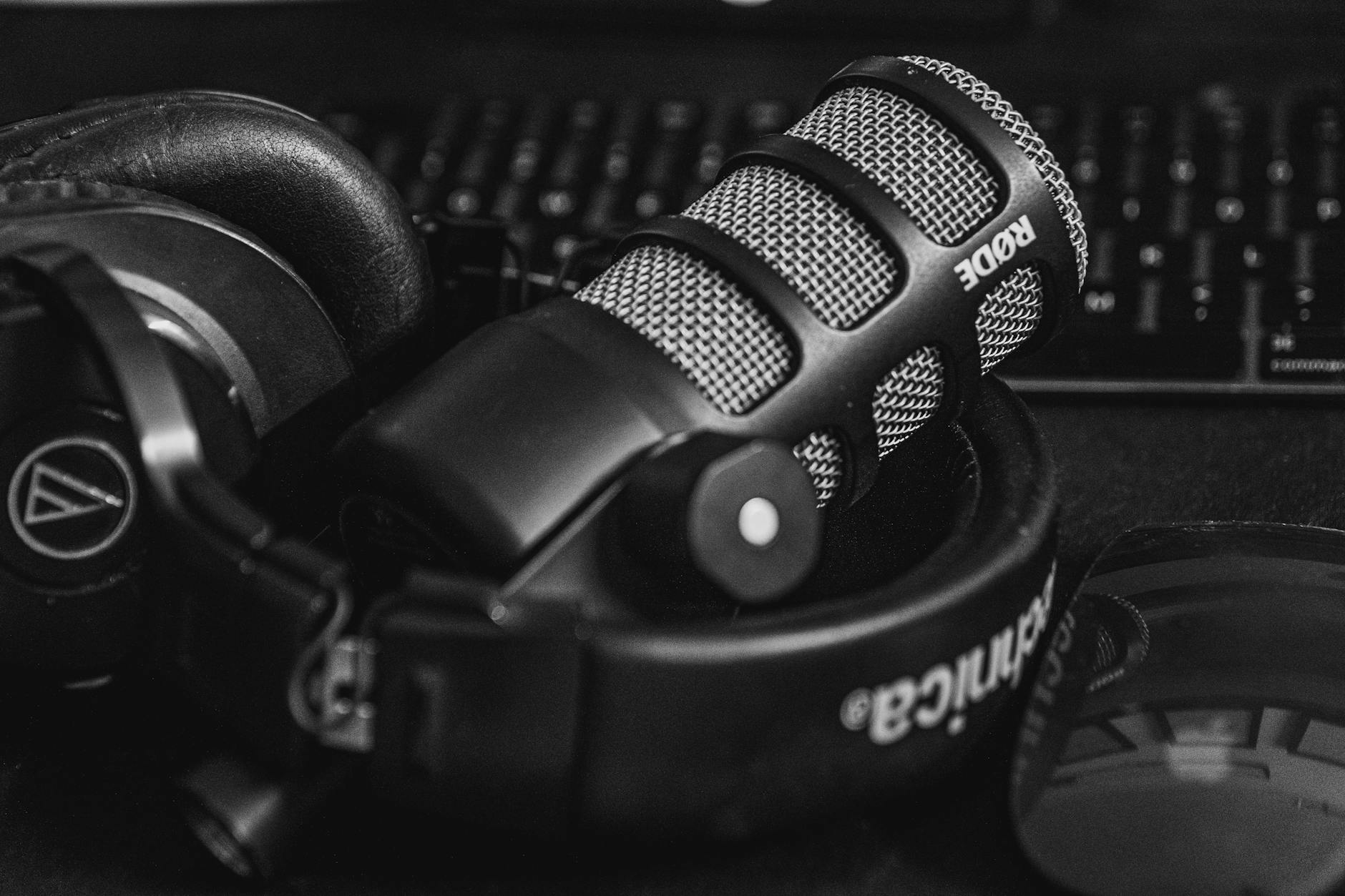
Recording preparation determines your repurposing success. Most LinkedIn Audio Events don’t automatically provide recordings, so you’ll need to create your own capture system. Use tools like OBS Studio or Audacity to record your desktop audio during the event. If you’re hosting, inform participants about recording for content creation purposes.
Create a simple note-taking template before the event starts. Include sections for key quotes, audience questions, expert insights, and timestamp markers for important moments. This preparation saves hours during the content creation process later.
Consider assigning a team member specifically to content capture during live events. They can focus on identifying quotable moments, noting visual elements to recreate later, and tracking audience engagement patterns that indicate high-value content segments.
2. Extract Key Audio Segments for Social Media
Break your full audio recording into digestible clips of 30-90 seconds. These segments work perfectly for LinkedIn native video posts, Twitter Spaces follow-ups, and Instagram Story highlights. Look for moments when speakers make bold statements, share surprising statistics, or answer common industry questions.
Use free tools like Audacity or paid options like Descript to clean up audio quality and remove filler words. Add simple captions using tools like Rev or Otter.ai to make content accessible and improve engagement across platforms where users often browse with sound off.
Create teaser clips that hint at valuable insights without giving everything away. These work exceptionally well for driving traffic back to longer-form content or upcoming events. Think of them as audio trailers for your expertise.
3. Transform Conversations Into Written Content
Transcribe your audio events using AI tools like Otter.ai, Rev, or Trint. These transcriptions become the foundation for multiple content pieces: blog posts, LinkedIn articles, email newsletters, and social media carousels. Don’t publish raw transcripts – edit them into readable, flowing content that maintains the conversational tone while improving clarity.
Pull out individual expert quotes and turn them into standalone social media posts. Add context about who said it and why it matters to your audience. These quote posts often generate significant engagement and can be scheduled across multiple platforms with slight variations.
Create FAQ-style content from audience questions asked during the event. This addresses real pain points your community faces and positions your brand as helpful and responsive. Similar to how brands use Goodreads book clubs for audience building, answering community questions builds trust and authority.
4. Design Visual Content From Audio Insights
Transform key statistics, frameworks, or processes mentioned in your audio event into visual content. Create infographics, carousel posts, or simple quote graphics using tools like Canva, Figma, or Adobe Creative Suite. Visual content performs exceptionally well on platforms like Instagram, Pinterest, and LinkedIn.
Turn step-by-step advice shared during the event into how-to graphics or short video tutorials. If someone explained a three-step process during your audio event, that becomes a perfect carousel post or short-form video for TikTok and Instagram Reels.
Create “behind-the-scenes” content showing your team preparing for or following up on audio events. This humanizes your brand and gives audiences a peek into your content creation process, which often generates strong engagement.
5. Repurpose for Email Marketing and Newsletters
Audio events provide excellent newsletter content because they offer timely, relevant insights your subscribers can’t find elsewhere. Create a recap email highlighting the top three takeaways from each event, including brief audio clips or transcribed quotes.
Use audience questions from the event as the basis for dedicated email responses. This creates a feedback loop where live event participants feel heard and email subscribers get valuable, question-driven content.
Develop a regular “Event Insights” email series that delivers key learnings from your audio events to subscribers who couldn’t attend live. This adds value to your email list while extending the reach of your live content.
6. Create Platform-Specific Adaptations
Each platform requires different approaches to the same content. LinkedIn favors professional insights and industry trends, while Instagram responds better to personal stories and visual elements from your audio discussions. Twitter works well for quick takeaways and quote threads.
For TikTok and Instagram Reels, focus on the most surprising or controversial moments from your audio events. Add trending sounds or music to increase discoverability, and use text overlays to highlight key points for viewers watching without sound.
YouTube Shorts can feature longer clips with more context, while Pinterest works well for infographics and quote graphics created from your audio content. Just like turning Google Business Profile posts into TikTok content, the key is understanding each platform’s unique audience and format preferences.
7. Build Content Series and Campaigns
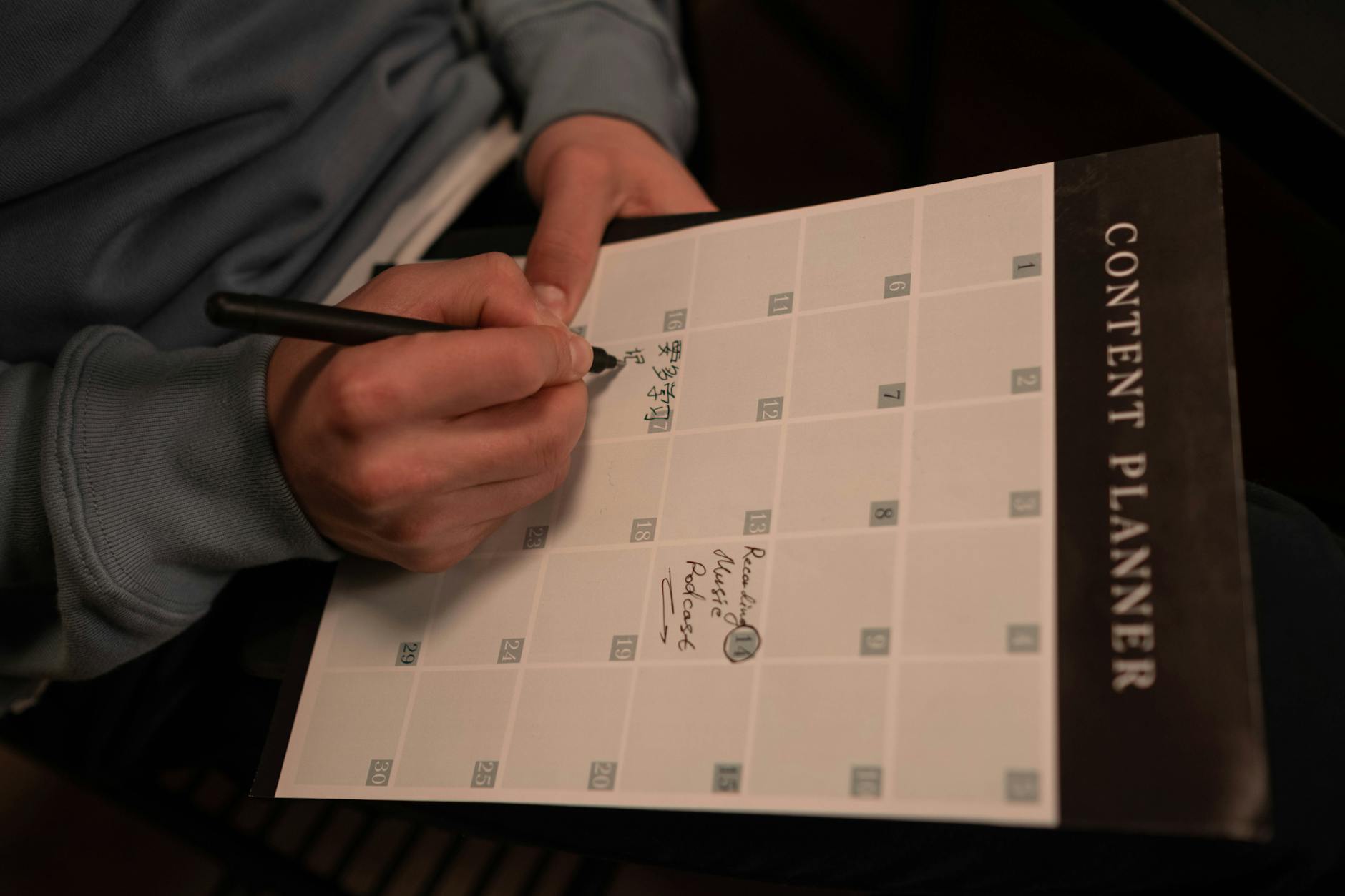
Don’t treat repurposed audio content as random posts. Create themed content series that build on each other over time. For example, turn a monthly audio event into a weekly “Expert Insights” series across your social channels.
Develop campaigns that tease upcoming audio events using content from previous sessions. This creates anticipation while demonstrating the value audiences can expect from attending live.
Create seasonal or topical content series based on audio event themes. If you host quarterly industry roundtables, turn each one into a month-long content campaign across all platforms.
Key Takeaways
LinkedIn Audio Events offer untapped potential for content marketers willing to think beyond the live moment. The most successful approach involves systematic preparation, strategic content capture, and platform-specific adaptation of your audio material.
Remember that authenticity remains crucial throughout the repurposing process. Maintain the conversational tone and genuine insights that make audio events valuable in the first place. Your audience can tell when content feels forced or overly promotional.
Start small with one or two repurposing strategies, then expand your approach as you develop efficient workflows. The goal isn’t to create more content for its own sake, but to maximize the value of the expert conversations and community insights you’re already generating through audio events.
Frequently Asked Questions
Do I need special equipment to record LinkedIn Audio Events?
No, basic screen recording software like OBS Studio or built-in tools can capture desktop audio effectively.
How long should audio clips be for social media repurposing?
Keep clips between 30-90 seconds for optimal engagement across most social platforms.