



What You Need to Know
Google Business Profile posts disappear after seven days, but their value doesn’t have to vanish with them. Smart businesses are mining these short-lived updates for social media gold, transforming local business announcements into content that drives engagement across platforms.
Your Google Business Profile posts already contain customer-tested messaging, local relevance, and proven engagement hooks. Instead of letting this content expire, you can repurpose it into Instagram stories, Facebook posts, LinkedIn updates, and more. This strategy multiplies your content creation efforts while maintaining consistent brand messaging across all touchpoints.
The key lies in understanding which elements translate well between platforms and how to adapt your local business voice for broader social media audiences. With the right approach, a single Google Business Profile post can generate five to seven pieces of social content.

Step 1: Screenshot and Archive Your Top-Performing Posts
Before your Google Business Profile posts expire, capture screenshots of those generating strong engagement. Look for posts with high view counts, customer interactions, or phone calls. These metrics indicate content that resonates with your audience.
Create a dedicated folder on your device or cloud storage labeled “GBP Content Archive.” Include the original post text, engagement metrics, and publication date. This archive becomes your content goldmine for future repurposing.
Pay special attention to posts about new products, behind-the-scenes moments, customer spotlights, or seasonal promotions. These content types typically perform well across multiple social platforms with minor adjustments.
Step 2: Extract the Core Message and Value Proposition
Strip away platform-specific elements from your Google Business Profile posts to identify the underlying message. Remove location-specific details like “visit our downtown store” and focus on universal value propositions like “introducing our new service” or “celebrating customer success.”
Identify the emotional hook that made the original post successful. Was it exclusivity, convenience, community connection, or problem-solving? This emotional core remains constant across platforms, even when the presentation changes.
Write down the main benefit or takeaway in one sentence. This becomes your content foundation, adaptable for different platforms and audiences while maintaining message consistency.
Step 3: Adapt Content for Platform-Specific Audiences
Transform your Google Business Profile content to match each platform’s unique culture and expectations. Instagram favors visual storytelling with hashtags and behind-the-scenes content. Facebook works well for community building and longer-form explanations. LinkedIn responds to professional insights and industry expertise.
For Instagram, turn a product announcement into a carousel showing the development process. A customer testimonial becomes a story highlight with user-generated content. Seasonal promotions work as Reels with trending audio and visual effects.
Facebook audiences appreciate context and conversation. Expand your original post with additional details, ask questions to encourage comments, and create shareable graphics that summarize key points.

Step 4: Create Visual Assets from Text-Heavy Posts
Many Google Business Profile posts rely heavily on text, but social media demands visual appeal. Transform text announcements into eye-catching graphics using tools like Canva, Adobe Express, or Figma.
Break longer announcements into digestible quote cards or infographic-style posts. Use your brand colors and fonts to maintain visual consistency. Include your logo subtly to reinforce brand recognition without appearing overly promotional.
For video content, transform static announcements into short videos using tools like Animoto or InVideo. Add motion graphics, background music, and text overlays to create engaging content that performs well on Instagram Reels and TikTok.
Step 5: Develop Content Series from Recurring Themes
Identify patterns in your successful Google Business Profile posts to create ongoing social media series. If customer spotlights perform well, develop a “Customer of the Month” series across platforms. Behind-the-scenes posts can become “Team Tuesday” or “Workshop Wednesday” content.
Seasonal posts naturally lend themselves to content calendars. Similar to how Pinterest seasonal trends can inform year-round content planning, your Google Business Profile seasonal posts can anchor quarterly social media campaigns.
Create templates for recurring content types. If you regularly post about new arrivals, develop Instagram story templates, Facebook post formats, and LinkedIn article structures that you can quickly populate with fresh information.
Step 6: Cross-Pollinate with Other Content Formats
Successful Google Business Profile posts often indicate topics worth exploring in longer formats. A popular product announcement might warrant a detailed blog post, podcast appearance, or video tutorial.
Use engagement data from your Google Business Profile to inform broader content strategy. High-performing posts reveal audience interests that you can expand into comprehensive content pieces across multiple platforms.
Just as podcast appearances can fuel multi-platform content funnels, your Google Business Profile posts can seed extensive content campaigns that drive traffic and engagement across your entire digital presence.
Step 7: Track Performance and Optimize
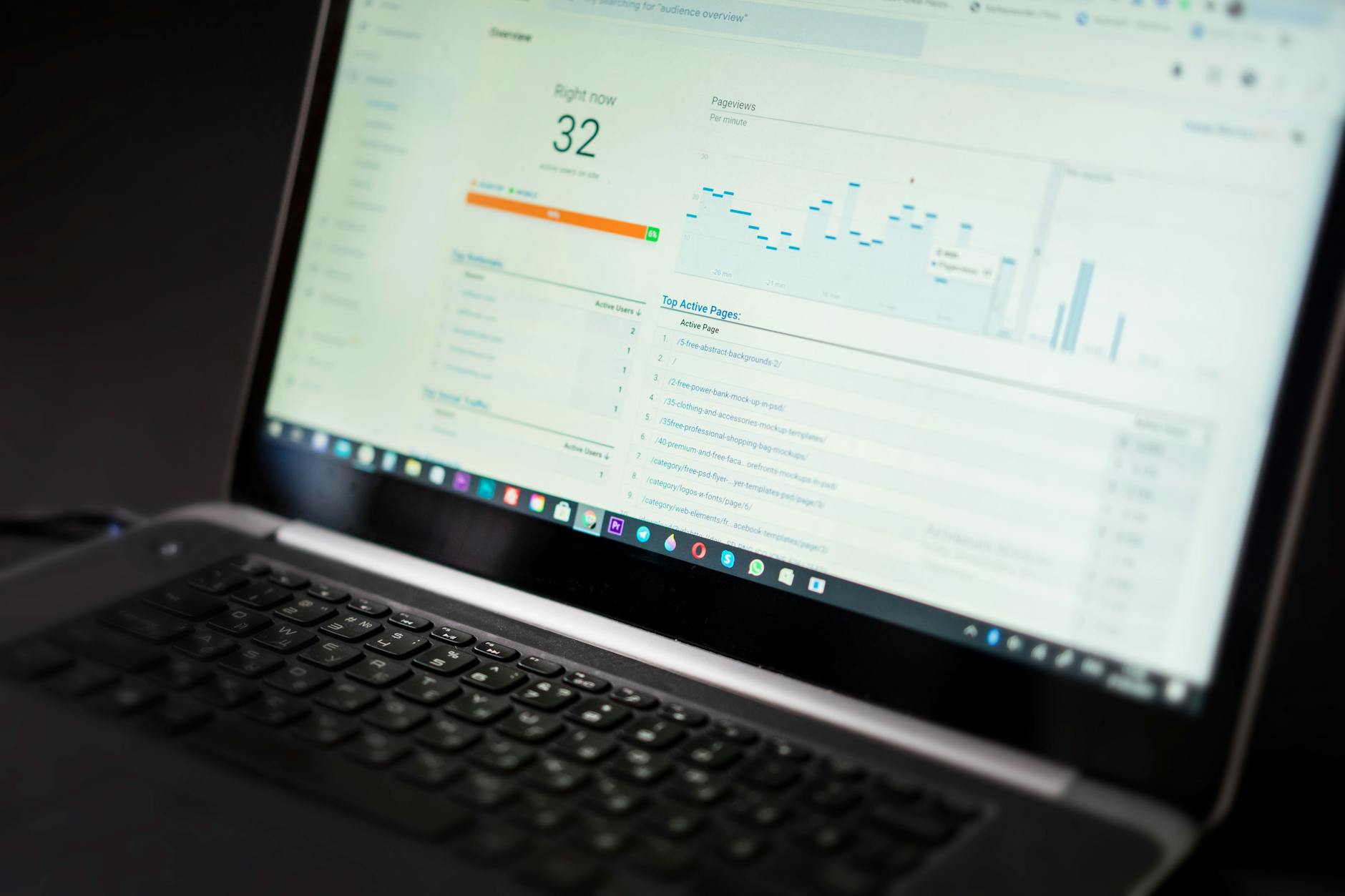
Monitor how your repurposed content performs compared to original social media posts. Use platform analytics to identify which types of Google Business Profile content translate most successfully to each social channel.
Create a simple spreadsheet tracking original post engagement, repurposed content performance, and platform-specific metrics. This data helps you identify the most valuable content types for future repurposing efforts.
Test different adaptation strategies for similar content types. Try carousel posts versus single images on Instagram, or short-form versus long-form captions on Facebook. Document what works best for your specific audience and industry.
Key Takeaways
Transforming Google Business Profile posts into social media content maximizes your content investment while maintaining message consistency across platforms. The key lies in identifying successful patterns, extracting universal value propositions, and adapting presentations for platform-specific audiences.
Start by archiving your top-performing posts and analyzing what made them successful. Focus on emotional hooks and core benefits that translate across platforms, then create visual assets and content series that extend your reach beyond local search.
This repurposing strategy not only saves time but also ensures your social media content reflects proven customer interests. By systematically transforming local business updates into broader social content, you create a sustainable content engine that serves both local and wider audiences effectively.
Frequently Asked Questions
Can I use the same Google Business Profile post across all social media platforms?
While you can use the same core message, you should adapt the format, tone, and presentation for each platform’s specific audience and features.
How long should I wait before repurposing a Google Business Profile post?
You can repurpose content immediately after posting to Google Business Profile, as the platforms serve different audiences and purposes.