


The Editing Workflow Is Changing, and Reels Teams Are Leading the Charge
Descript has quietly updated its storyboard editor in ways that are making short-form video teams reconsider whether Adobe Premiere is worth the friction. The new interface centers the editing experience around script-based cuts rather than timeline scrubbing, which sounds like a minor UX adjustment until you realize that most Reels content is planned in text before it ever touches a camera. For teams producing five to fifteen short videos a week, that alignment between scripting and editing is not a convenience – it is the entire production model.
Adobe Premiere is still the industry standard for long-form production houses, narrative film editors, and broadcast teams. But Reels content does not live in that world. It lives in Google Docs drafts, voice memos, caption copy, and 30-second outlines. Descript’s storyboard editor is built for exactly that workflow, and right now, a growing number of social video teams are treating it as their primary editing environment rather than a supplementary transcription tool.
What the Storyboard Editor Actually Does Differently
The storyboard view in Descript allows editors to arrange and cut footage by manipulating text, then preview the assembled video in real time. Each line of the transcript corresponds to a clip segment, so deleting a sentence from the script deletes the video frame attached to it. For teams that write their Reels scripts before filming, this means the rough cut is essentially done before a single drag-and-drop happens on a timeline. The editing becomes a matter of trimming, not assembling.
What makes this particularly effective for Reels production is the pacing logic. Short-form video for Instagram and TikTok lives and dies on tight cuts and zero dead air. Descript’s text-based editing makes it natural to spot verbal padding – the “ums,” the re-stated sentences, the hesitations – because they appear as text you can simply highlight and delete. In Adobe Premiere, catching that same dead air requires scrubbing audio waveforms and using markers. It works, but it takes longer, and longer is exactly what Reels teams cannot afford when they are shipping content daily.
Descript also added multi-speaker detection and auto-labeling in the storyboard view, which matters more than it sounds. Teams that film interview-style Reels, hosted explainers, or brand content with multiple presenters can now see speaker labels directly in the storyboard, making it easier to organize cuts by voice. This is a feature that documentary editors and podcast teams have used in Descript for a while, but its application to short-form video is a newer emphasis that the platform has started pushing more deliberately.
The B-roll placement workflow has also changed. Editors can now tag text blocks where B-roll should appear, drop the clip in, and Descript automatically adjusts the timing to match the transcript segment length. That removes one of the most repetitive steps in Reels editing – the back-and-forth of trimming a B-roll clip to fit over a voiceover section. For teams using stock footage libraries or repurposing brand assets, this single feature alone cuts meaningful time off every video.

Where Adobe Premiere Still Wins
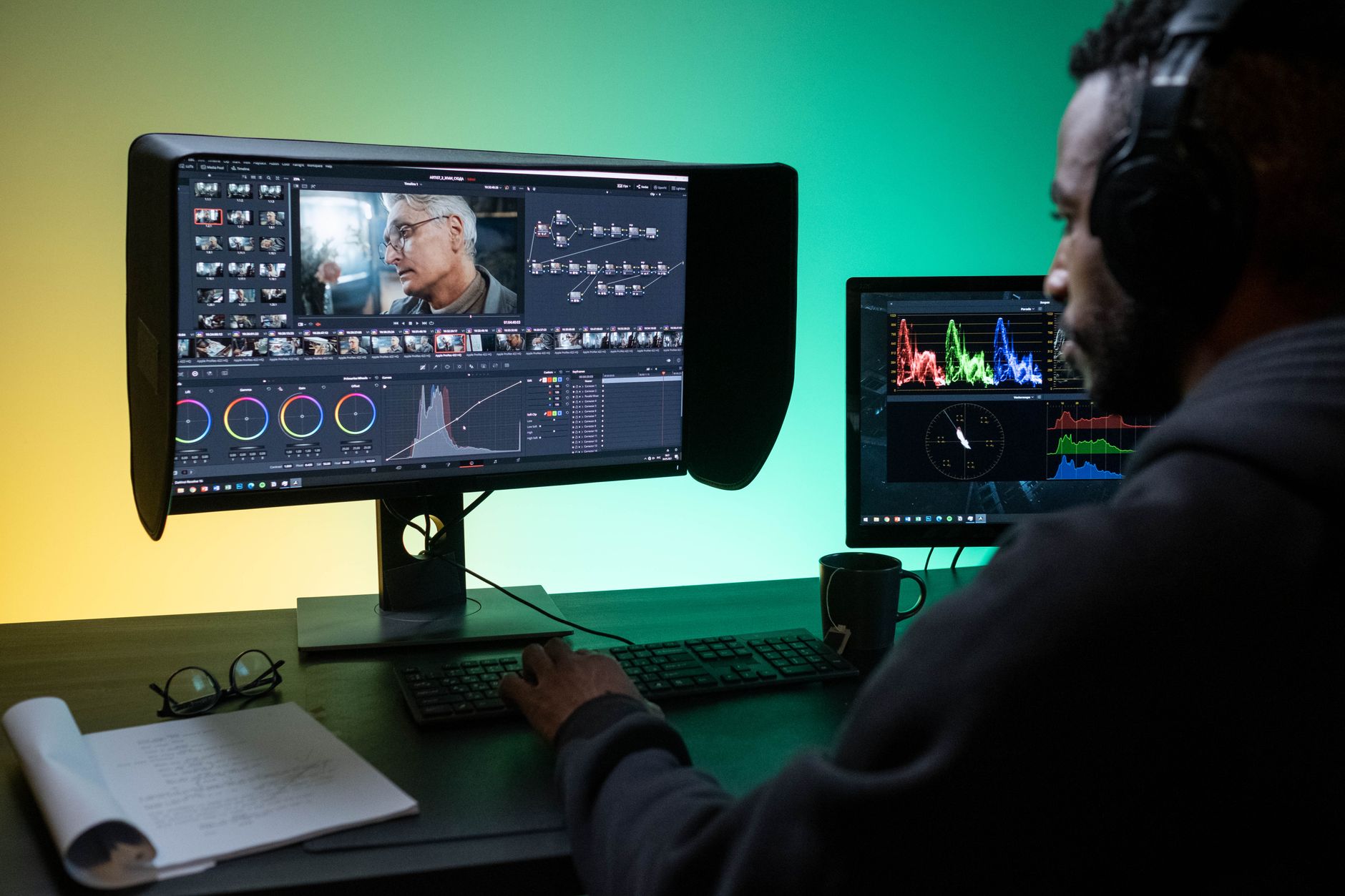
None of this means Adobe Premiere is losing relevance across the board. Color grading at a professional level, complex multi-track audio mixing, and effects-heavy sequences still belong in Premiere or DaVinci Resolve. A brand that is producing 60-second cinematic ads with motion graphics, layered sound design, and color-corrected footage to match a broadcast spec is not switching to Descript anytime soon. The tool is genuinely not built for that scope.
The relevant question is not which tool is better overall. It is which tool is better for the specific job of producing Instagram Reels, TikTok videos, and YouTube Shorts at volume. Descript wins that comparison decisively right now, not because Premiere is bad, but because Premiere was designed for a different kind of editor doing a different kind of work.
The Real Shift Is About Team Structure
Reels teams rarely look like traditional post-production teams. They are often a social media manager, a freelance videographer, and a content strategist sharing a Notion board. Premiere assumes a dedicated editor with file management skills, project organization habits, and hours of uninterrupted focus. Descript assumes a team that needs to move fast, collaborate across roles, and publish before the trend window closes.
Collaboration inside Descript’s storyboard view is closer to how a Google Doc works than how a Premiere project works. Multiple people can view, comment on, and edit a video project without needing to understand sequence settings or export presets. A strategist can flag a section of the script for trimming. A brand manager can approve the final cut before export. None of these people need to open a timeline. That accessibility lowers the barrier for non-editors to participate in the editing process in a way that Premiere never really allowed.
This is the pattern playing out across the short-form video production space. Tools that simplify collaboration – rather than maximizing technical control – are winning budget and adoption from teams that prioritize output speed. The same dynamic is visible in how content scheduling and writing tools have shifted away from traditional platforms, with products like Feedhive’s AI Writer drawing users away from older tools by building around the actual habits of social content teams rather than the workflows those teams inherited from longer-form media. Descript is following the same logic, applied to editing rather than publishing. For Reels teams deciding where to spend their subscription budget, the storyboard editor is not a workaround anymore – it is the main event.