



Canva dominates social media design, but its free plan’s limitations frustrate creators who need more flexibility and unique templates. While Canva offers convenience, several alternatives provide superior features, more creative freedom, and professional-quality results without premium subscriptions.
These alternatives often excel where Canva falls short – offering advanced editing tools, unique design elements, and specialized features that help your content stand out in crowded social feeds. The key is finding tools that match your specific workflow and content style.
1. Figma – Professional Design Power with Collaborative Features
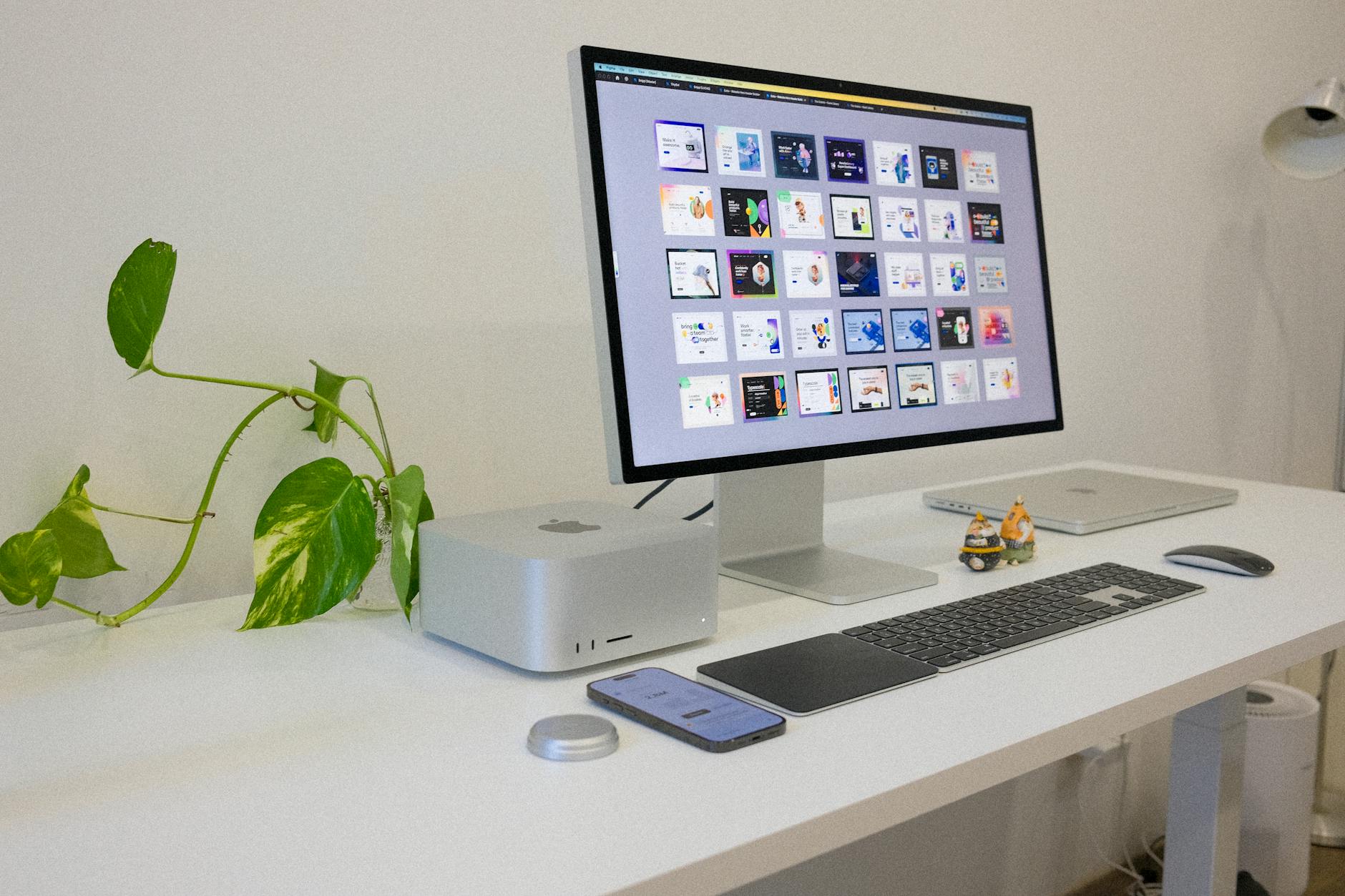
Figma revolutionizes social media design by bringing professional-grade vector editing to browser-based convenience. Originally built for UI/UX designers, its robust toolset creates stunning social graphics with precision that Canva’s simplified interface can’t match. The vector-based approach ensures your designs stay crisp at any size, from Instagram stories to billboard-sized promotional graphics.
The collaborative aspect sets Figma apart – multiple team members can work on designs simultaneously, leaving comments and suggestions in real-time. This makes it invaluable for agencies or brands with multiple stakeholders. The component system lets you create reusable design elements, maintaining brand consistency across hundreds of posts while dramatically speeding up your workflow.
Figma’s free plan includes unlimited personal projects and up to 3 collaborative projects, making it perfect for solo creators or small teams. The learning curve is steeper than Canva, but the creative possibilities are exponentially greater.
2. Adobe Express – Creative Cloud Integration Without the Price Tag
Adobe Express brings simplified versions of Photoshop and Illustrator capabilities to social media design. Built on Adobe’s decades of creative software expertise, it offers professional-quality tools in an accessible interface. The template library focuses on current trends, with designs that feel fresh rather than overused.
The standout feature is seamless integration with Adobe Stock, providing access to millions of high-quality photos, illustrations, and graphics. While Canva relies heavily on user-generated content and basic stock photos, Adobe Express taps into professional photography and artwork that elevates your social media presence.
Animation capabilities surpass most competitors – create animated Instagram stories, Facebook posts, and TikTok graphics with timeline-based editing tools. The free plan includes 2GB of storage, thousands of templates, and basic Adobe Stock access, though watermarked. For creators serious about visual storytelling, this represents exceptional value.
3. Pixlr – Advanced Photo Editing Meets Social Media Templates
Pixlr bridges the gap between basic design tools and professional photo editing software. Its dual-interface approach offers both simplified template-based design and advanced photo manipulation capabilities. This versatility makes it ideal for creators who want to enhance photos before incorporating them into social media graphics.
The AI-powered features distinguish Pixlr from template-focused alternatives. Background removal, sky replacement, and object removal tools work surprisingly well for free software. These capabilities are particularly valuable for e-commerce brands creating product shots or lifestyle brands maintaining consistent aesthetic across varied photo sources.
Pixlr’s layer system and blend modes provide creative control that rivals desktop software. You can create complex compositions, adjust individual elements, and apply professional-quality effects. The mobile app maintains most desktop functionality, enabling high-quality editing on the go.
4. Crello (Now VistaCreate) – Animation-First Design Platform
VistaCreate positions itself as the animation-friendly alternative to static design tools. Every template includes motion options, from subtle parallax effects to full animated sequences. This focus on movement helps social media content capture attention in busy feeds where static images often get overlooked.
The object animation system lets you animate individual elements within designs – text can slide in, backgrounds can rotate, and graphics can bounce or fade. These effects work across platforms, from Instagram stories to LinkedIn posts, giving your content professional polish without video editing complexity.
Brand kit functionality maintains consistency across animated and static content. Upload your logo, colors, and fonts once, then apply them across any template. The collaboration features support team workflows, and the content calendar integration helps maintain posting schedules. The free plan includes basic animation features and standard templates.
5. Polotno Studio – Open-Source Flexibility with Commercial Freedom
Polotno Studio operates as a completely free, open-source design platform without usage restrictions or premium upsells. Built by developers frustrated with subscription models, it provides comprehensive design tools with full commercial usage rights. This makes it particularly attractive for small businesses and freelancers who can’t justify monthly software costs.
The interface feels familiar to Canva users but offers more granular control over design elements. Advanced typography options, custom shape creation, and unrestricted layer management provide creative flexibility typically reserved for expensive software. The lack of artificial limitations means you can create as many designs as needed without watermarks or resolution restrictions.
Template variety focuses on contemporary social media trends rather than generic business graphics. The community contributes new templates regularly, ensuring fresh options. Since it’s open-source, developers can customize functionality or integrate it into existing workflows. For creators who need reliable, unrestricted design tools, Polotno Studio delivers professional results without compromise.

Choosing the Right Alternative for Your Workflow
The best Canva alternative depends on your specific needs and creative goals. Figma excels for brand-focused creators who need collaborative features and precise control. Adobe Express suits photographers and visual storytellers who want professional-grade tools. Pixlr works well for content that requires photo editing alongside graphic design.
VistaCreate serves creators prioritizing animated content, while Polotno Studio appeals to budget-conscious users who need unrestricted usage. Consider your typical design workflow, team collaboration needs, and output requirements when making your choice.
Many successful creators use multiple tools strategically – Figma for brand template creation, Pixlr for photo enhancement, and VistaCreate for animated story content. This approach maximizes each platform’s strengths while avoiding single-tool limitations that restrict creative potential.
These alternatives prove that better social media graphics don’t require premium subscriptions or complex software. Whether you need advanced editing capabilities, animation features, or simply want escape from Canva’s limitations, these tools provide the creative freedom to make your content stand out. The key is experimenting with different platforms to find the combination that best supports your unique creative process and business objectives.
Frequently Asked Questions
Are these Canva alternatives really free to use?
Yes, all five tools offer substantial free plans with core design features, though some have premium upgrades available for advanced functionality.
Which Canva alternative is best for beginners?
Adobe Express and VistaCreate offer the most user-friendly interfaces for beginners, while Figma provides the most professional capabilities with a steeper learning curve.